Designing in context.
When a screen is easier to reason about visually than in code, I start in Claude Design. The value is exploring directions against real system context, then carrying clearer intent into implementation.
I don't think of design and build as separate stages. Most of my work happens in code, against the components and tokens the product is built from.
- Fast interactive prototypes for flows, states, and reviews
- More useful when the codebase or system is already in context
- Easier comparison of a few directions before committing
- Cleaner handoff into implementation work
Claude Design is most useful when it can work against real components, spacing, and styling patterns. That keeps new screens grounded in what the product can actually support, and shortens the gap between a sketch and something that holds up at build time. It does not replace the precision work, the system maintenance, or the implementation. It sits in front of those, helping me get to a sharper product shape earlier.
In practice
When a screen is easier to reason about visually than in code, I start in Claude Design. I use it to get hierarchy, layout, and interaction into something tangible, then hand off to Claude Code or refine in Figma first if the system work calls for it.
Claude Design gets more useful when it can work against real components, spacing, and styling patterns. I use that to keep new screens grounded in what the product can actually support.
Still a research preview, so the rough edges are real. The trade-off is worth it for the speed of getting to something tangible.
Claude Design hands off into Claude Code, which carries the design intent into the codebase. Figma stays in the mix for precision and system maintenance, Cursor for the rest of the build, and WebSim for fast browser experiments.
Across the work
Different products, different surfaces, different toolchains. Claude Design is the latest layer in a longer practice, not the only one.
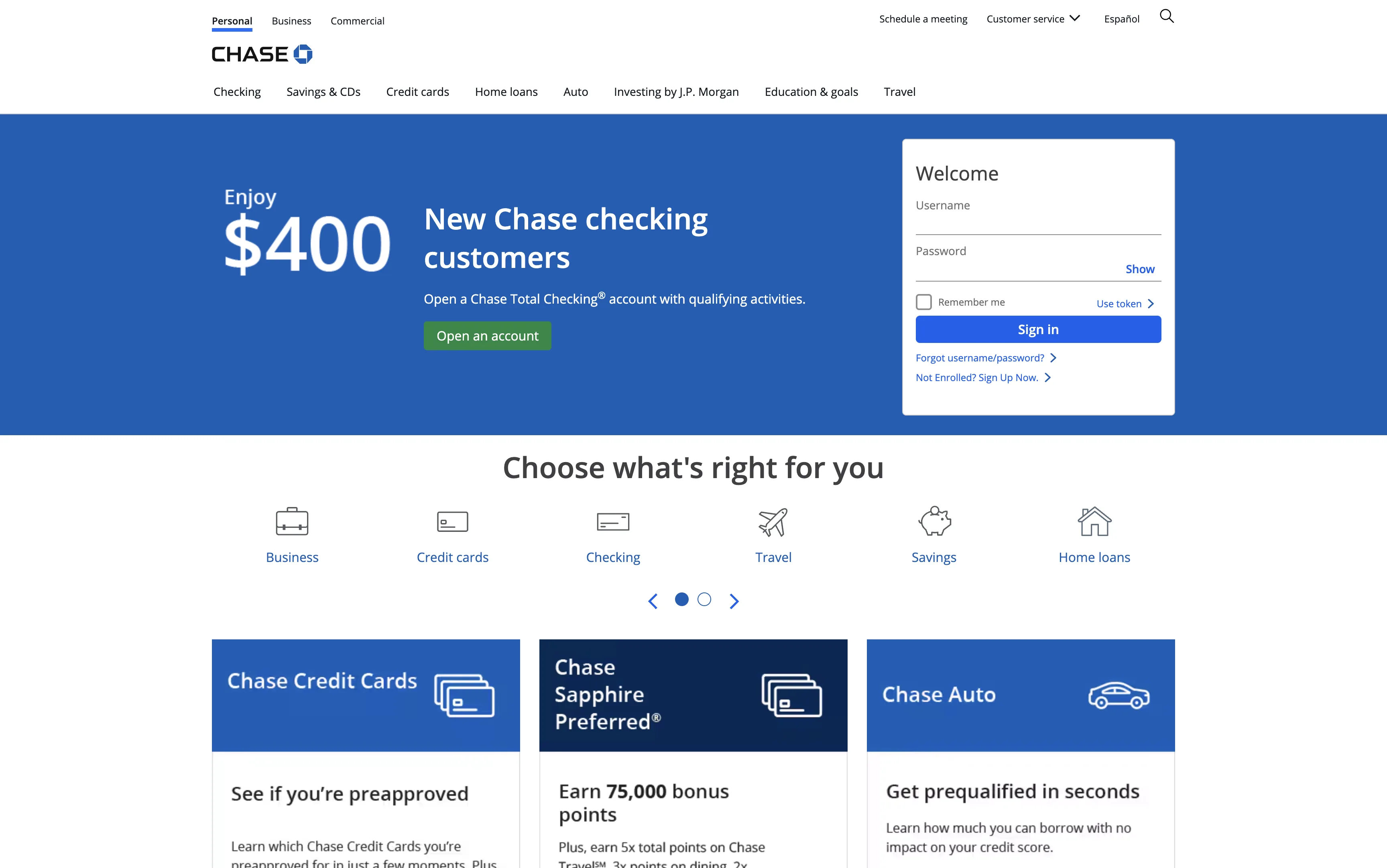
Claude Design + Claude Code, end to end.
ChatOBD2 is where the loop lives in practice. Most product surfaces, the marketing site, and the developer portal all start as visual exploration in Claude Design, then hand off to Claude Code for implementation against the same component and token system. The same tooling carries the design from idea to ship without changing hands.

Hand-authored CSS on a Bootstrap substrate.
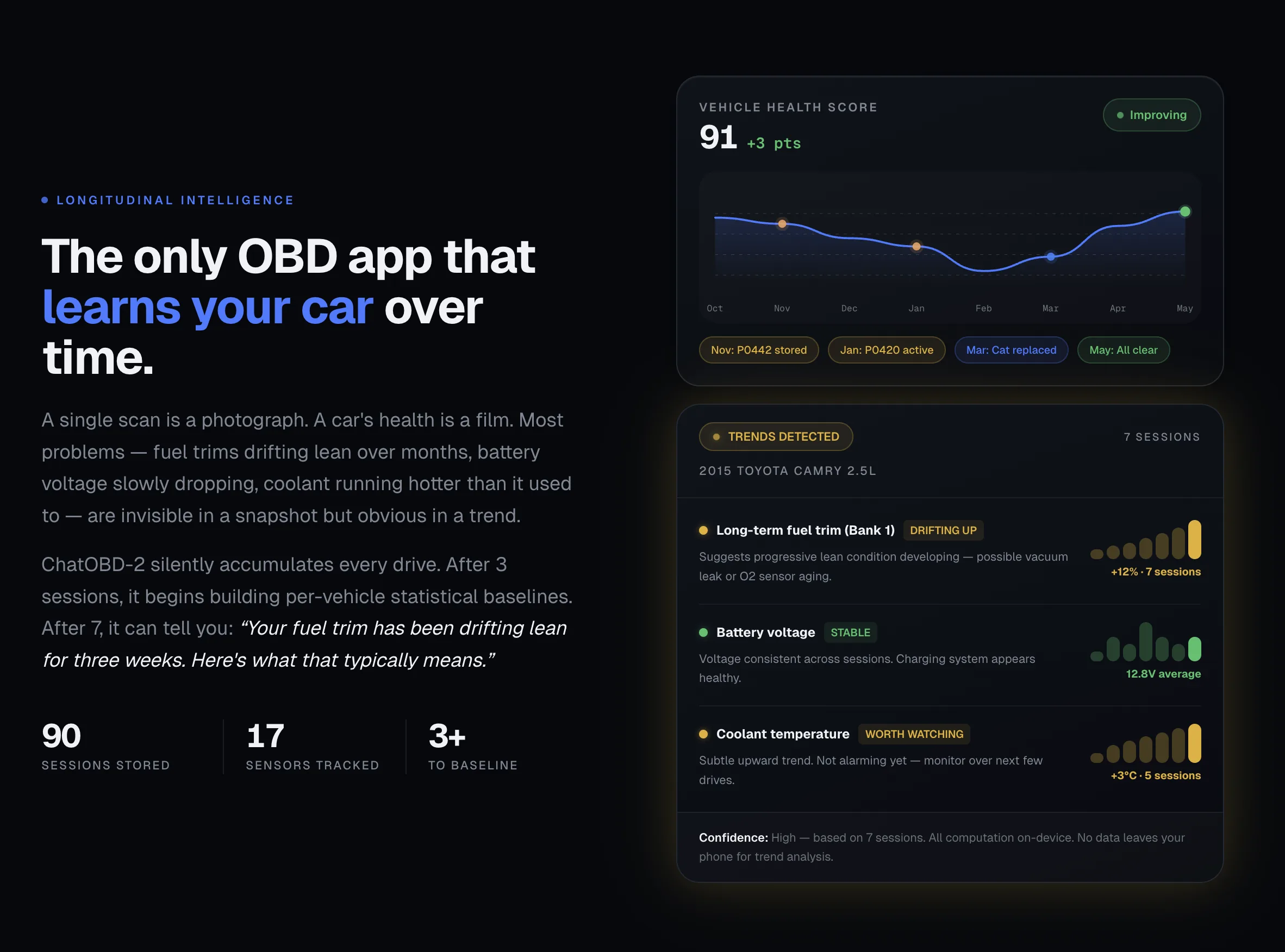
MagTek runs on a long-lived ASP.NET MVC platform. Most of the design lives in hand-authored CSS over Bootstrap, with structure pulled into a Razor component library so a single change can land across many pages at once. Adobe XD covered the static comp phase; WebSim and Cursor came in for browser-first experiments and design-in-code on the layouts that were easier to think through in markup than in static frames.

Cursor first, then Claude Design.
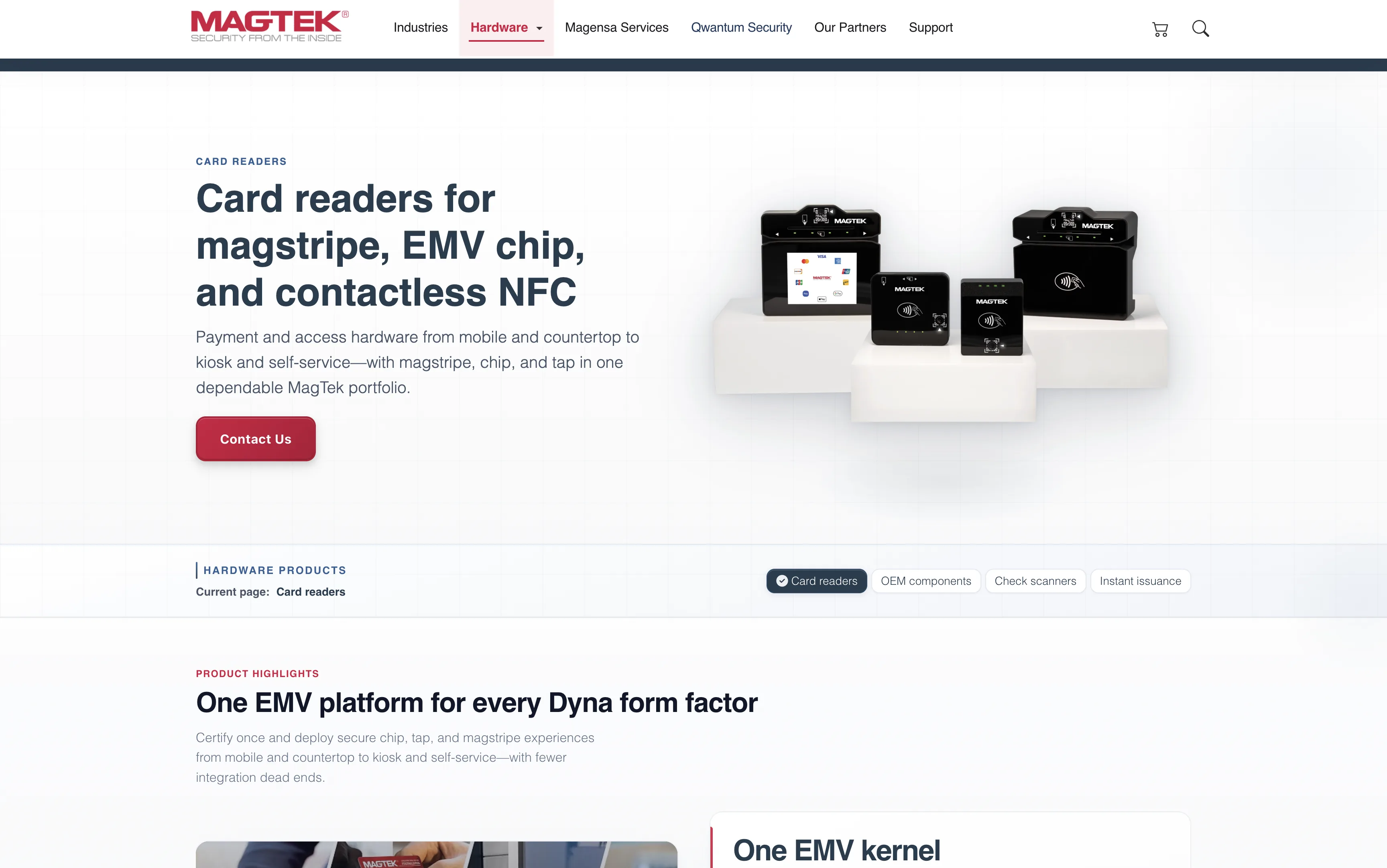
Sawa's marketing surface started as design-in-code: Cursor for the build, Tailwind for the styling system. Claude Design slid in once the loop was available, taking on visual exploration of new sections — live matches, city food guides, the swipe-and-match story — before they landed back in Tailwind. The implementation stack stayed tight throughout.

CSS implementation against Figma handoffs.
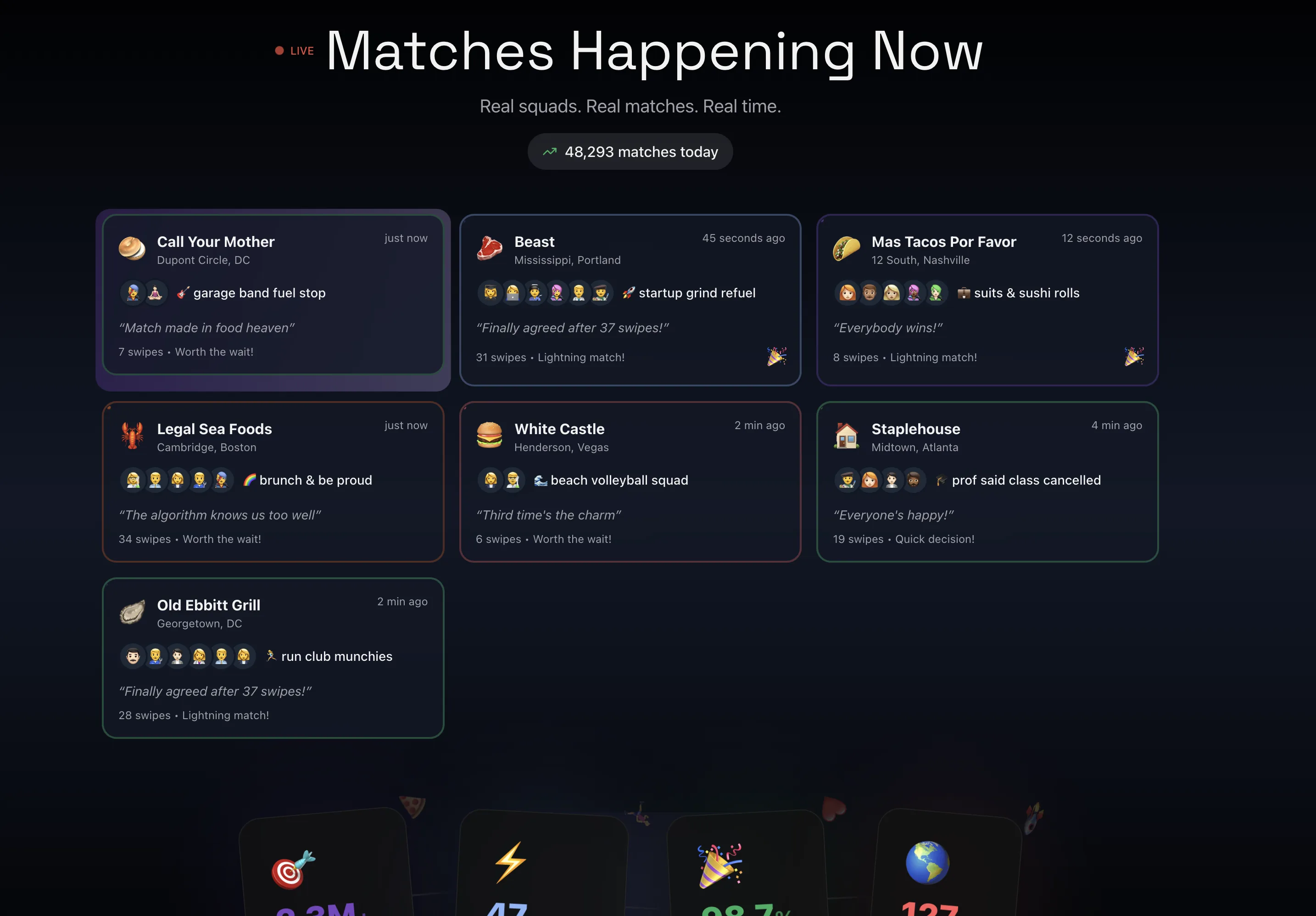
At InvestCloud the design teams owned the Figma files. The work was translating those files into the proprietary CMS and component framework, adapted per institution. Most of it was hand-written CSS, mapped to densely structured layouts that had to behave across complex data, multiple tenants, and per-client branding. Strong handoff hygiene matters more than people credit.